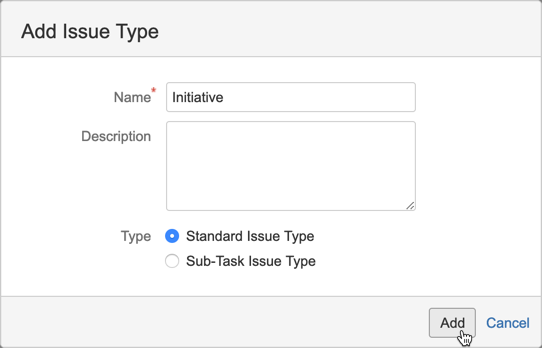
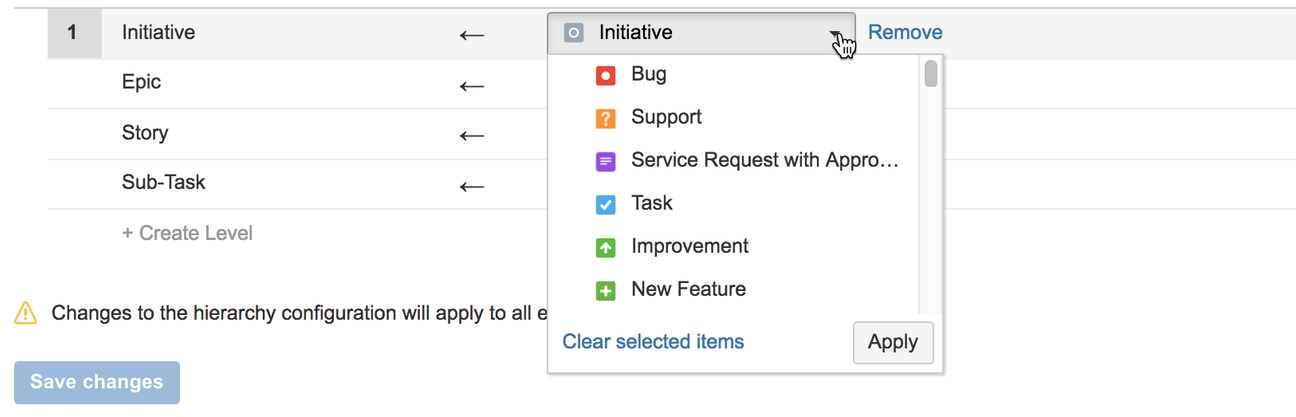
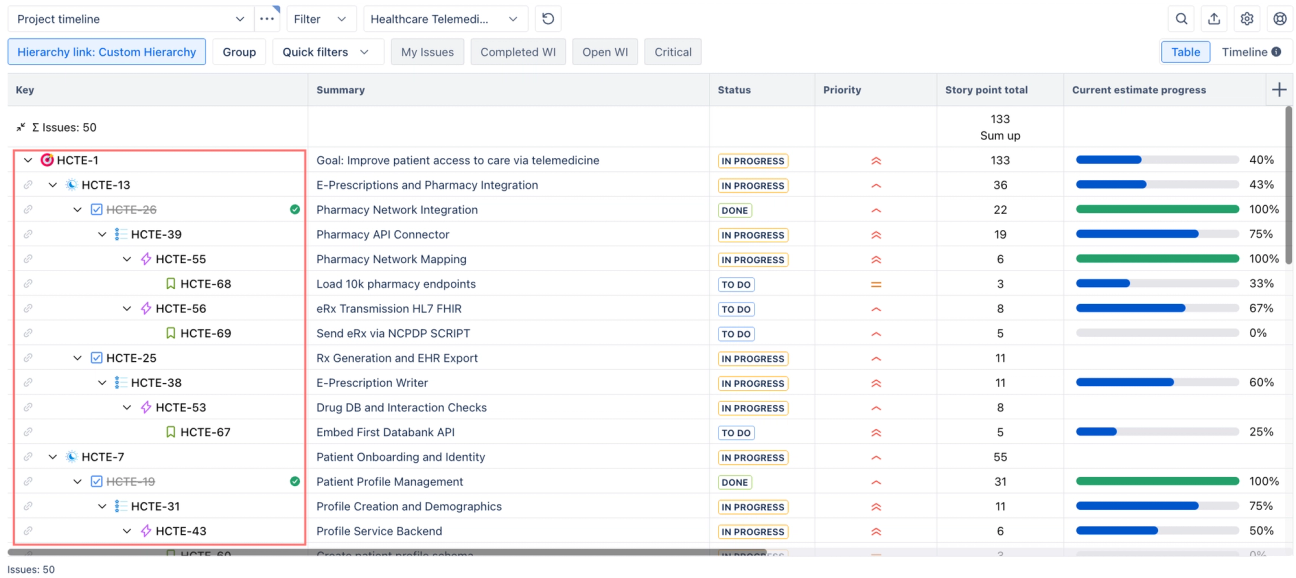
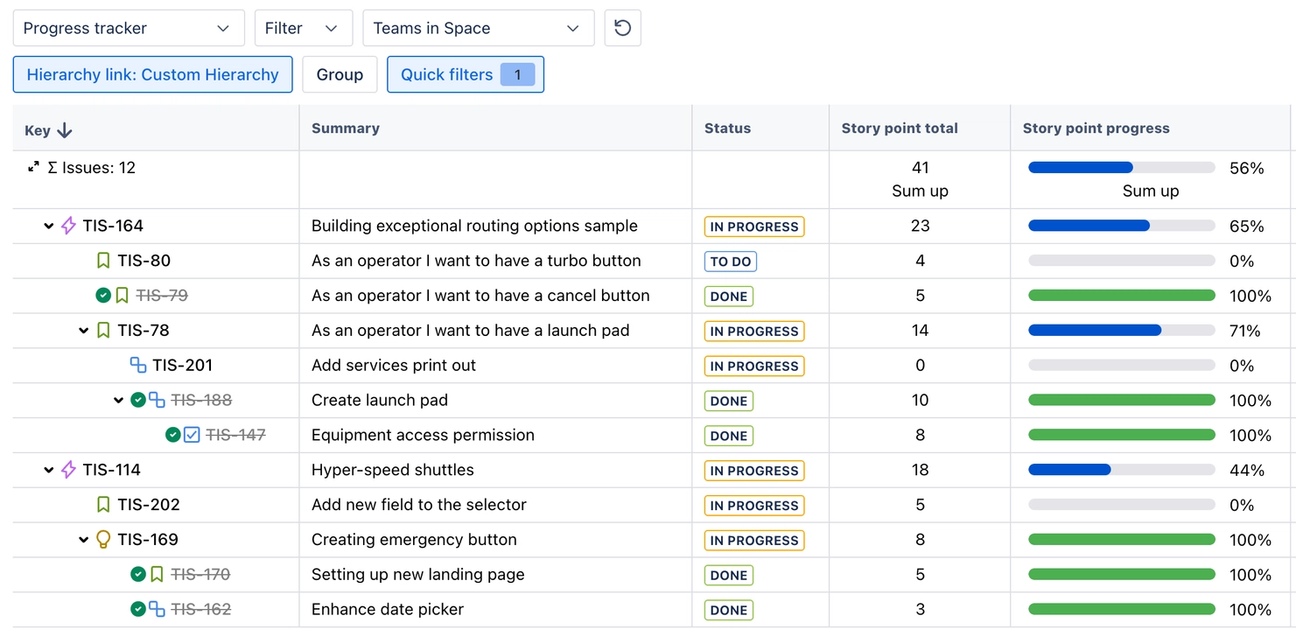
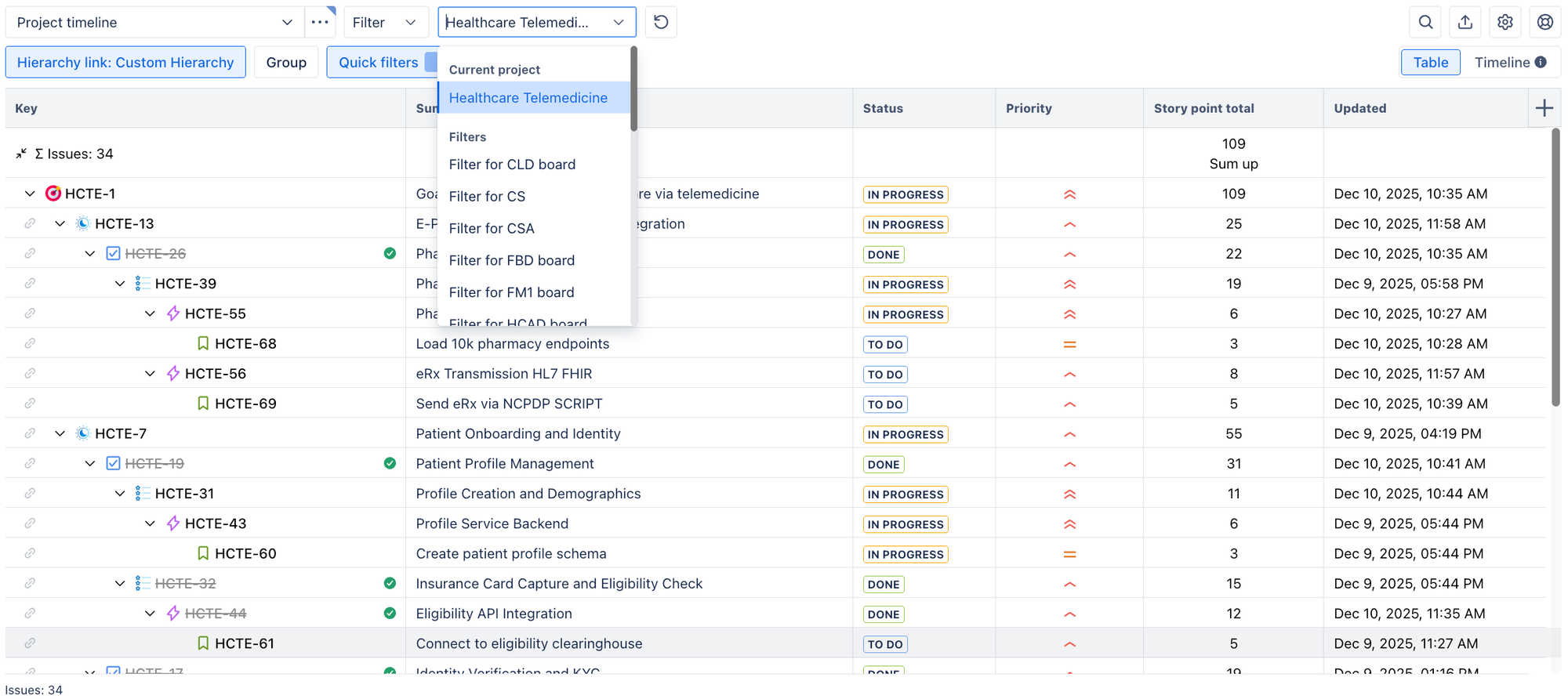
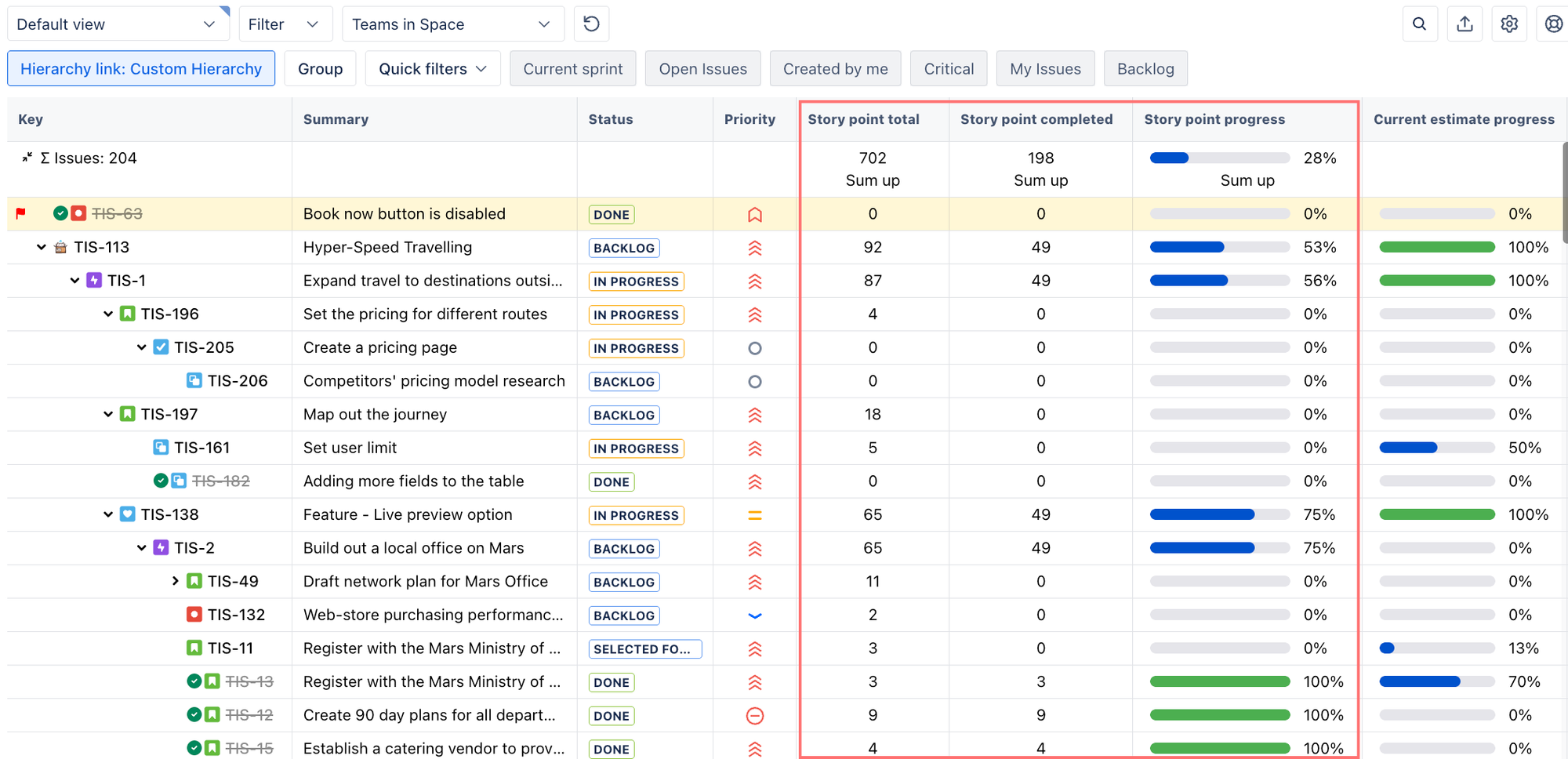
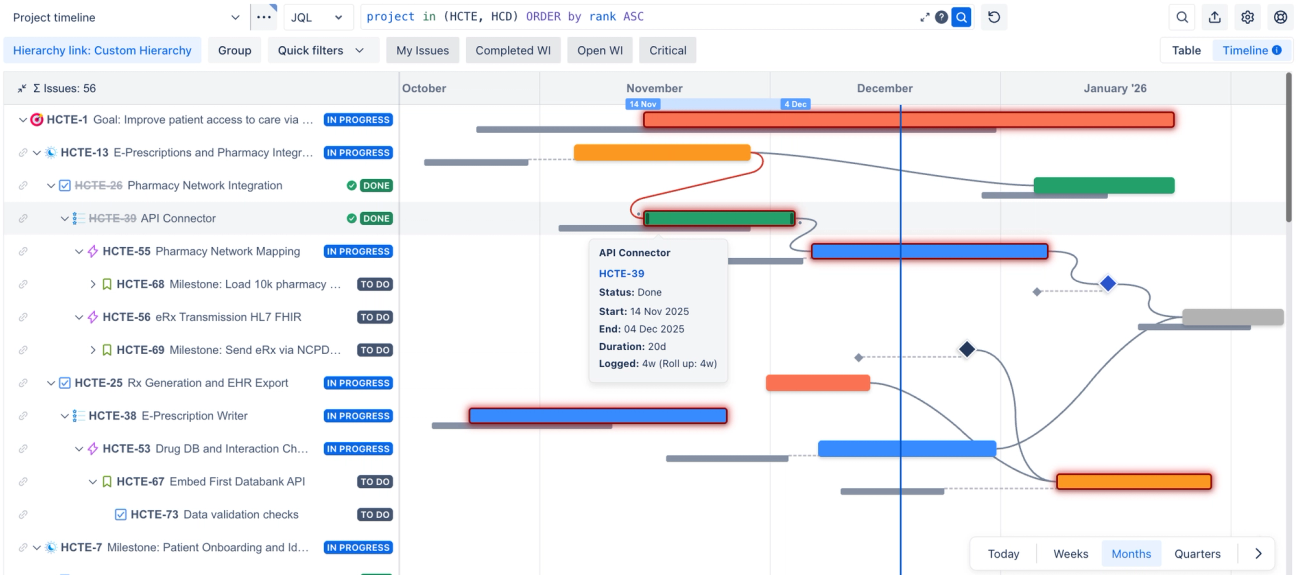
You start with Jira's default epic, story, subtask hierarchy, and it works fine. But as your team grows and your projects grow in complexity, your product managers need initiatives above epic, or maybe your engineering team wants a 'feature' level between epics and stories.
You start doing things like renaming epics to 'features' or duct taping labels and components together to add an extra hierarchy level.
These work at first, but they break in ways that are expensive down the line. Think: broken reports, confused team members, and a gap between how you structure projects in Jira and how your team are actually working.
The good news is that you don't need to restructure everything to fix this. There are two reliable ways to extend your Jira hierarchy without causing problems you'll need to solve in six months' time.
In this guide, we'll cover both. Jira Plans (for adding levels above epics) and
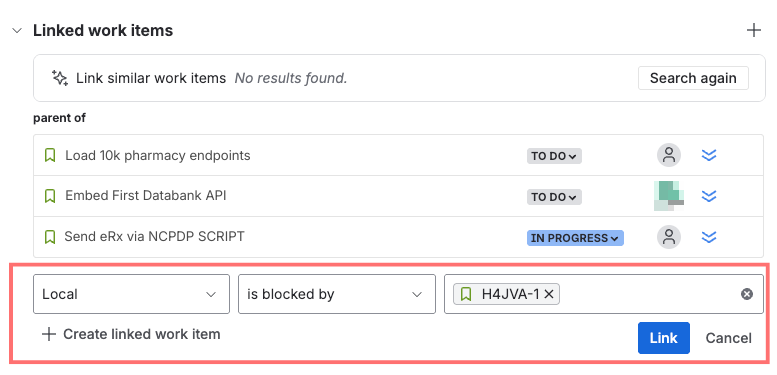
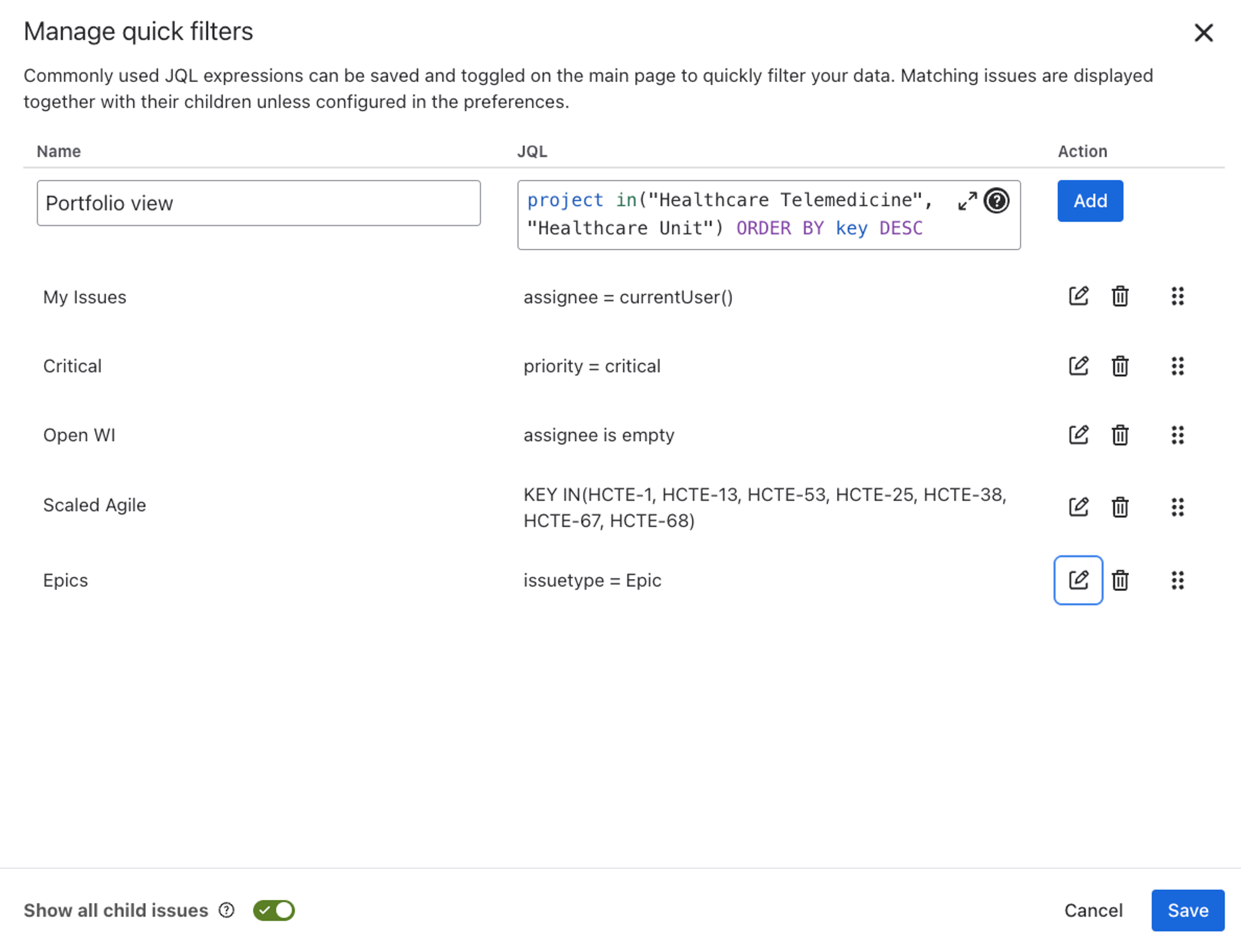
Hierarchy for Jira (for full flexibility above, below, or between any level). We'll show how each option works, and help you figure out which one is right for you.